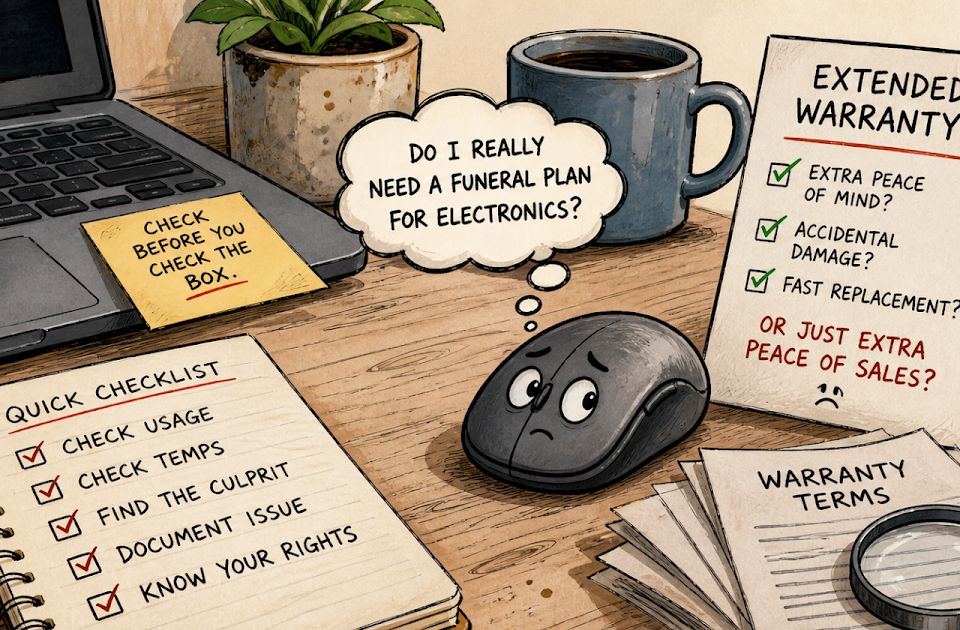
Electronics Warranty Upsells: Australia’s No-Thanks Guide : For Beginners de
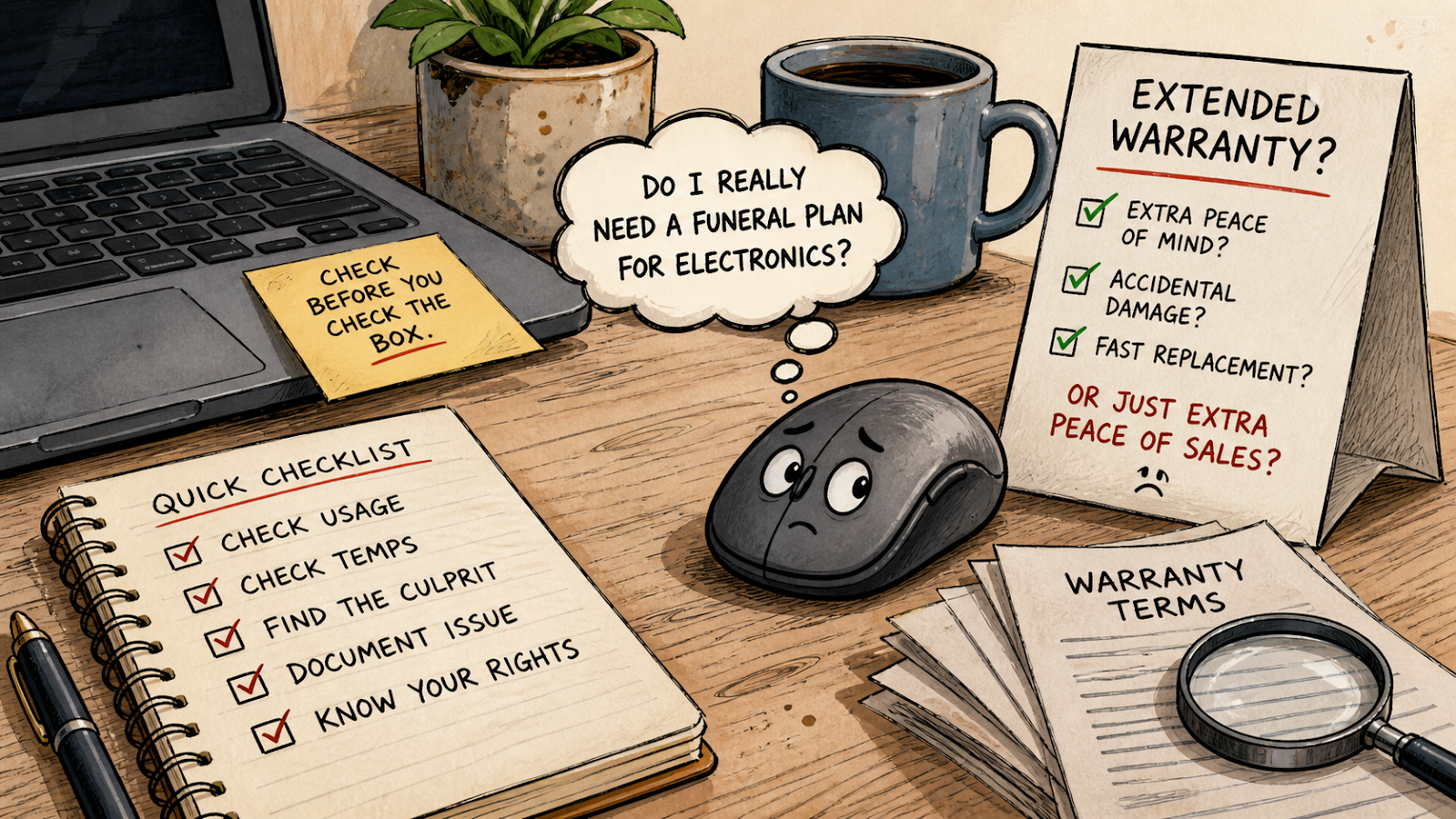
Your Mouse Does Not Need a Funeral Plan
There is a special kind of comedy in buying a small gadget and being asked whether you want to protect it like it is a rare museum artifact. A mouse. A keyboard. A pair of budget headphones. Suddenly the checkout screen is acting like you are adopting a nervous rescue robot.
This guide is for Australian shoppers who want to say no without guessing. Before paying for an electronics warranty upsell, check what Australian consumer guarantees may already cover, then do a few simple device checks so you are not buying “peace of mind” for a problem caused by one dramatic app.
 What This No-Thanks Guide Covers

- Your Mouse Does Not Need a Funeral Plan
- The Quick Answer Before the Receipt Printer Judges You
- The Checkout Script Is Not a Diagnosis
- Check the Device Before You Check the Warranty Box
- The 10-Minute Warranty Sniff Test
- A Realistic Electronics Counter Scenario
- When Not to DIY the Problem
- The Bottom Line
- FAQs
- References
The Quick Answer Before the Receipt Printer Judges You
- Best for: Australian shoppers buying laptops, desktops, tablets, monitors, peripherals, and gaming gear.
- What this covers: How to think about extended warranty offers, basic overheating checks, and what questions to ask before paying extra.
- What this does not cover: Personal legal advice, manufacturer-specific warranty decisions, or repair instructions for unsafe hardware.
- Main caution: An extended warranty can be optional, but your automatic consumer guarantee rights are not optional.
- When to get professional help: Stop DIY troubleshooting if the device has a swollen battery, burning smell, liquid damage, sparking, exposed wiring, or repeated shutdowns under normal use.
The Checkout Script Is Not a Diagnosis
The extended warranty pitch often arrives at the exact moment your brain is already tired. You compared models, checked storage, argued with a colour option, and survived a product page with 47 tabs. Then someone asks if you want “extra protection” and suddenly you are making a financial decision while holding a receipt like a tiny legal scroll.
In Australia, consumer guarantees apply automatically under the Australian Consumer Law. That means goods should be of acceptable quality, fit for purpose, and match their description. Warranties can add promises, but they do not erase those automatic rights.
That does not mean every extended warranty is worthless. It means the offer needs to explain what it adds beyond rights you may already have. If the benefit is vague, the mouse does not get a funeral plan.
Warranty Upsell Translation Guide
- “Extra peace of mind” can mean useful cover, or it can mean a laminated shrug.
- “After the manufacturer warranty ends” may matter more for pricey devices than cheap accessories.
- “Fast replacement” is only valuable if the terms are clear and practical.
- “Accidental damage” is different from ordinary faults, so read that part slowly.
- “No questions asked” usually has questions. They are just hiding in the terms.
Check the Device Before You Check the Warranty Box
A device that runs hot is not automatically defective. Sometimes it is doing heavy work. Sometimes a game, browser, creative app, background updater, or driver problem is grabbing the CPU or GPU and turning your laptop into a desk toaster with opinions.
Start with the built-in tools. On Windows, open Task Manager, sort by CPU, and check GPU usage where available. If one process is chewing through resources while you are doing nothing serious, congratulations, you have found a suspect. On a Mac, Activity Monitor can show CPU pressure and the apps doing the most work.
For deeper checks on Windows, hardware monitoring tools can help. HWiNFO is useful for sensor readings such as CPU temperature, GPU temperature, clocks, and power draw. MSI Afterburner is handy for gaming because its on-screen display can show performance while a game is running. Process Explorer from Microsoft Sysinternals can help when Task Manager gives you the polite version of the story and you need the detective version.
Tiny Troubleshooting Script
- Restart the device and let it sit idle for five minutes.
- Open Task Manager or Activity Monitor and check CPU and GPU usage.
- Launch the app or game that usually makes the fans scream.
- Watch which process spikes.
- Record the device temperature with a monitoring tool if you know how to use one.
- If the problem repeats under normal use, document it before contacting the retailer or manufacturer.
This does not require opening the device, poking the battery, or becoming a midnight motherboard goblin. Keep it simple. Your goal is to know whether the product looks faulty, the software is misbehaving, or the warranty pitch was just doing cardio.
The 10-Minute Warranty Sniff Test
Before saying yes to the upsell, run this quick checklist. It works best before the purchase, but it also helps when comparing a paid plan against the rights and support you already have.
Quick Checklist
- Ask what the paid warranty covers that Australian consumer guarantees do not.
- Ask whether accidental damage is included or excluded.
- Ask whether the plan gives repair, replacement, refund, store credit, or only assessment.
- Ask how long repairs usually take and whether a loan device is available.
- Ask whether the warranty is handled by the retailer, manufacturer, or a third-party administrator.
- Ask what happens if the exact model is discontinued.
- Ask whether the plan costs more than a sensible percentage of the product price.
- Ask for the terms in writing before paying.
- Keep your receipt, order confirmation, serial number, and screenshots of the product listing.
- Say no if the explanation sounds like “because vibes.”
The Price Sanity Check
A$20 on a pricey device with clear accidental damage benefits is not the same decision as A$180 on a product already backed by normal consumer guarantees and decent manufacturer support. The more expensive the add-on, the more specific the benefit should be.
As a rough thinking tool, compare the plan cost with the likely repair or replacement pain. A cheap mouse, keyboard, or headset may not deserve a paid protection plan unless it offers something unusually convenient. A laptop used for school, work, or a small business may justify a closer look, especially if fast replacement or accidental damage is clearly included.
A Realistic Electronics Counter Scenario
Imagine a shopper buying a A$1,400 laptop. At checkout, they are offered a A$189 extended warranty. The laptop will be used for study, streaming, light gaming, and basic creative work. The buyer is worried because their old laptop sounded like a leaf blower having a personal crisis.
The better move is not automatic yes or automatic no. It is a calm little interrogation.
| Option | When to Choose It | Pros | Cons |
|---|---|---|---|
| Say no | The plan only repeats vague protection language and adds little beyond existing rights | Saves money and avoids duplicate cover | You may miss a genuinely useful service benefit |
| Ask more questions | The device is expensive or important for daily work | Clarifies repair time, accidental damage, and replacement rules | Takes extra time at checkout |
| Consider the plan | It includes clear accidental damage, fast swap, pickup, or loan-device benefits | May reduce downtime and stress | Costs extra and still has exclusions |
| Diagnose first | The concern is overheating, fan noise, or slowdowns | Helps separate software drama from hardware faults | Does not replace proper support for unsafe symptoms |
Now add a twist. The buyer’s old laptop was overheating because a background app was maxing out CPU after startup. A paid warranty on the new laptop would not magically fix that habit. In that case, the smartest “protection” might be keeping software clean, checking startup apps, updating drivers carefully, and saving receipts like a responsible gremlin.
When Not to DIY the Problem
There is a line between sensible troubleshooting and auditioning for a repair disaster. Do not open the device or keep testing it if there are safety warning signs. A swollen battery, chemical smell, burning smell, crackling sound, exposed wiring, or repeated shutdowns during ordinary use is not a “let me just run one more benchmark” situation.
If the device is new or still under warranty, document the fault and contact the retailer or manufacturer. Take photos where safe, note the dates, keep all receipts, and describe the symptoms plainly. “The laptop shuts down after ten minutes of normal browsing” is more useful than “the machine has betrayed my bloodline,” even if the second one feels emotionally accurate.
Safe Next Steps
- Stop using the device if there are electrical, battery, smoke, smell, or heat danger signs.
- Keep proof of purchase and write down when the issue started.
- Contact the retailer or manufacturer before attempting physical repair.
- Ask for the remedy options in writing.
- If you are unsure about your rights, check official Australian consumer guidance before paying for extra cover.
The Bottom Line
You do not have to be rude to decline an electronics warranty upsell. You can simply be informed, which is far more annoying to a bad sales script.
For Australian shoppers, the key question is not “Do I want protection?” Everyone wants protection. The better question is: “What does this paid plan add beyond my existing rights, and is that extra benefit worth the price?” If the answer is fuzzy, keep your money, keep your receipt, and let the mouse live uninsured.
Try This Before You Say Yes at Checkout
Next time a warranty offer pops up, ask one sentence: “Can you show me exactly what this covers beyond my automatic consumer guarantees?” If the answer is clear, compare the benefit to the price. If the answer is fog wearing a name badge, say no and move on with your life.
FAQs
Q1. Are extended warranties always a waste of money in Australia?
A1. No. Some plans add useful benefits, such as accidental damage cover, faster replacement, pickup service, or a loan device. The problem is paying for vague cover that does not clearly add value beyond rights you may already have.
Q2. Should I buy an extended warranty for a cheap mouse or keyboard?
A2. Usually, only if the benefit is unusually clear and the price is tiny compared with replacement cost. For many low-cost accessories, saving the money and keeping the receipt is the more sensible move.
Q3. Can overheating mean my device is faulty?
A3. It can, but not always. Heat can come from demanding apps, poor ventilation, dust, driver issues, background processes, or actual hardware problems. Start with safe software checks, then contact support if the issue repeats under normal use.
Q4. What should I ask before paying for an electronics warranty?
A4. Ask what it covers beyond Australian consumer guarantees, whether accidental damage is included, who handles claims, how long repairs take, and what remedy you receive if the product cannot be fixed.
Q5. Is it safe to use monitoring tools like HWiNFO or MSI Afterburner?
A5. Monitoring is generally low-risk when you only observe temperatures and usage. Be careful with overclocking, voltage changes, or aggressive fan changes unless you know what you are doing.
By: Marcus Irizarry
About the author: Marcus writes practical technology and troubleshooting guides for everyday users, small businesses, and device buyers.
Last updated: 2026-05-01
Disclosure: This article is editorial and educational. It is not sponsored and does not contain affiliate links.
Disclaimer
This article provides general information for Australian consumers and technology users. It is not legal, financial, repair, or safety advice. For a specific dispute, product fault, or unsafe device symptom, contact the retailer, manufacturer, a qualified repairer, or an appropriate consumer protection body.
References